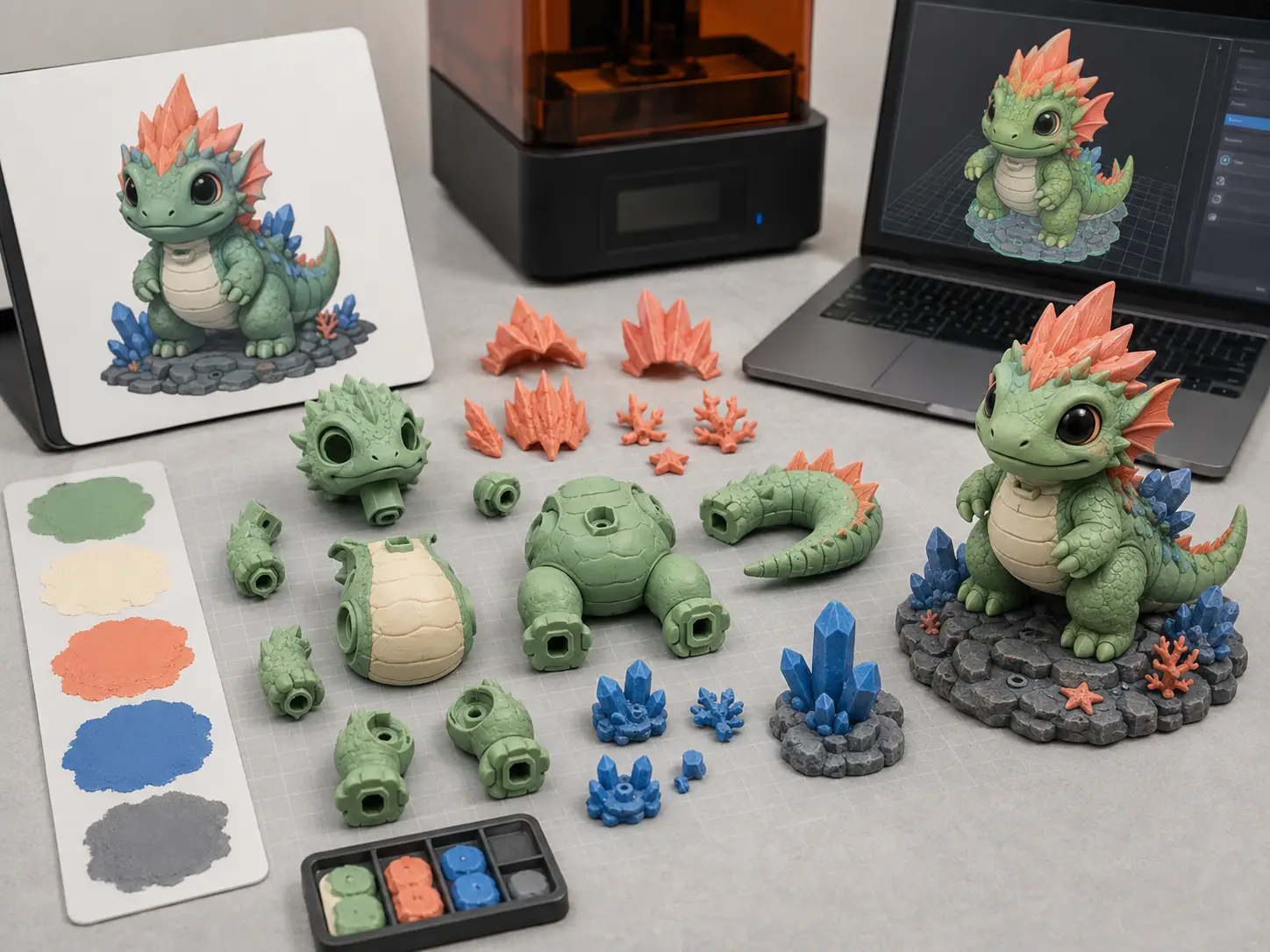
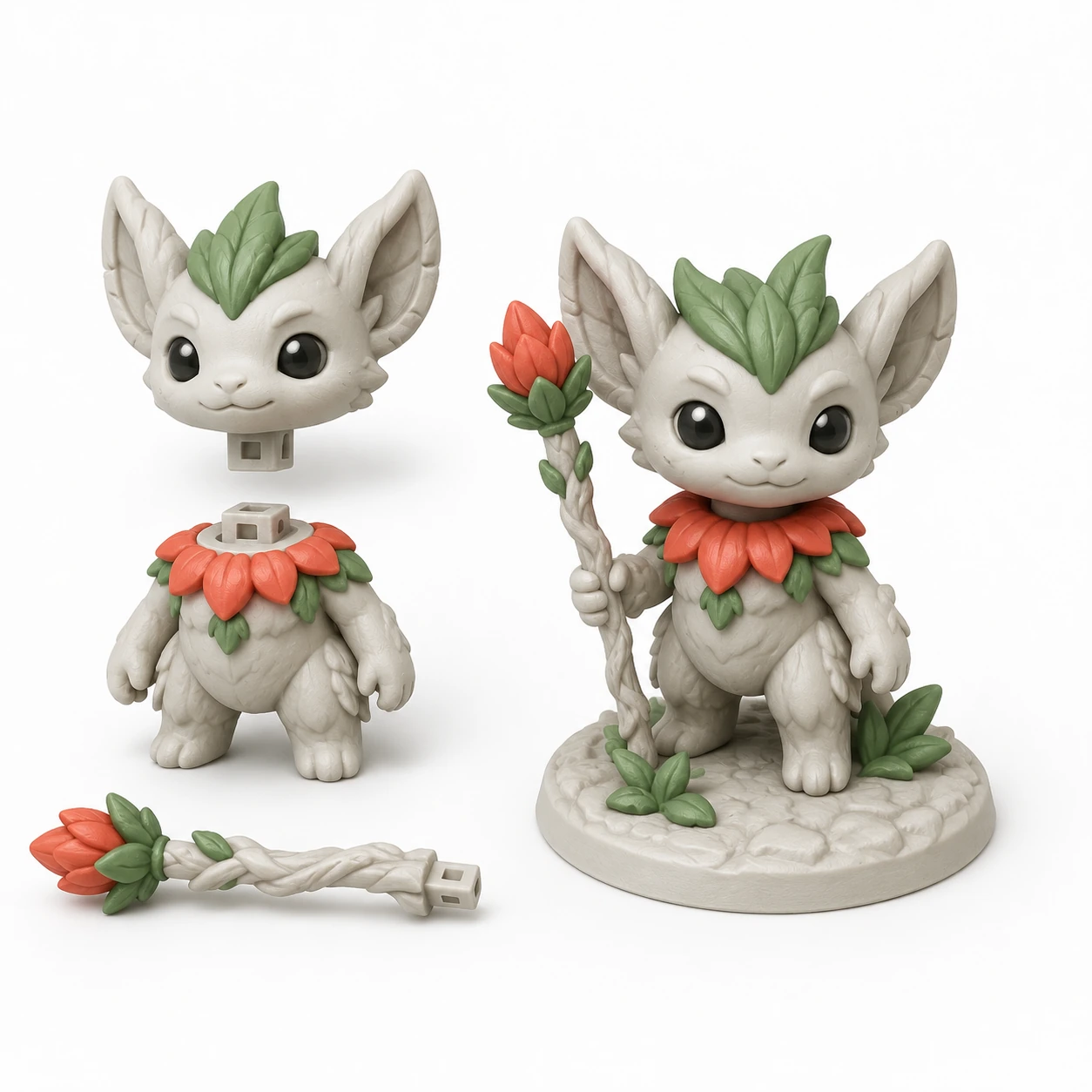
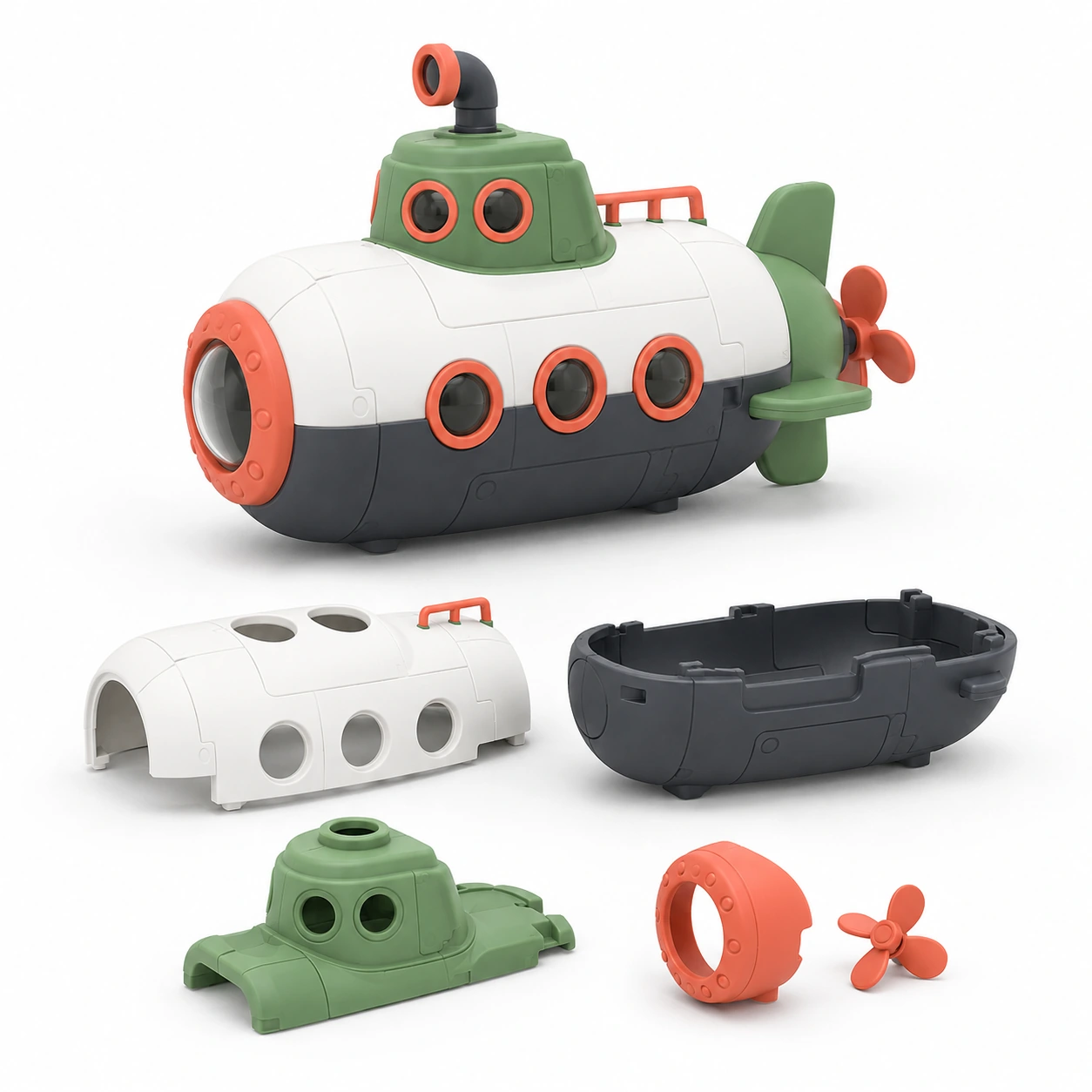
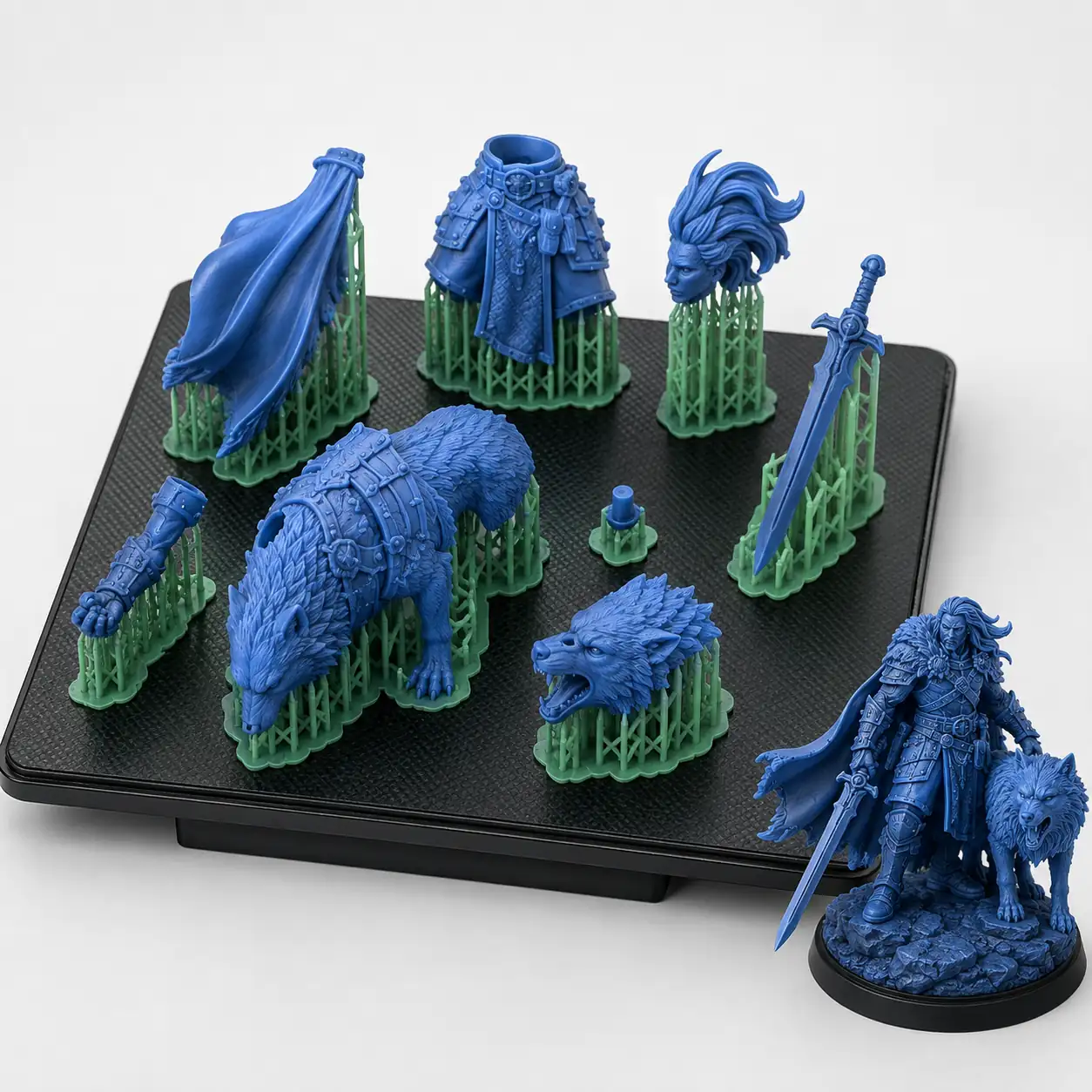
Separate large or complex forms and add connectors that make assembly easier to understand.
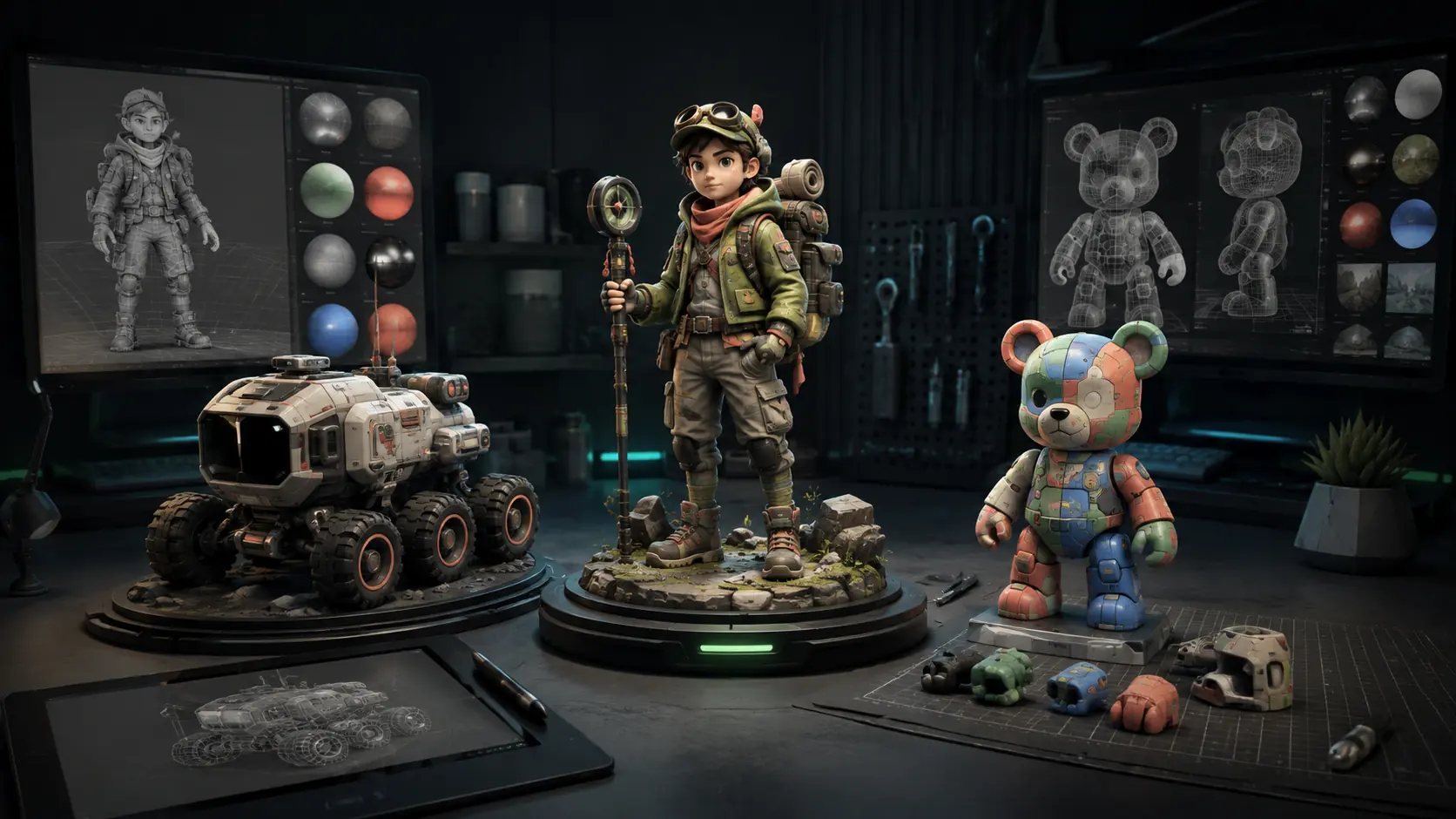
Create in 3DStart from text or an image, then keep building
AI 3D Model Generator for Your Complete Creative Workflow
Start creating- Text to image
- Text to 3D
- Image to 3D
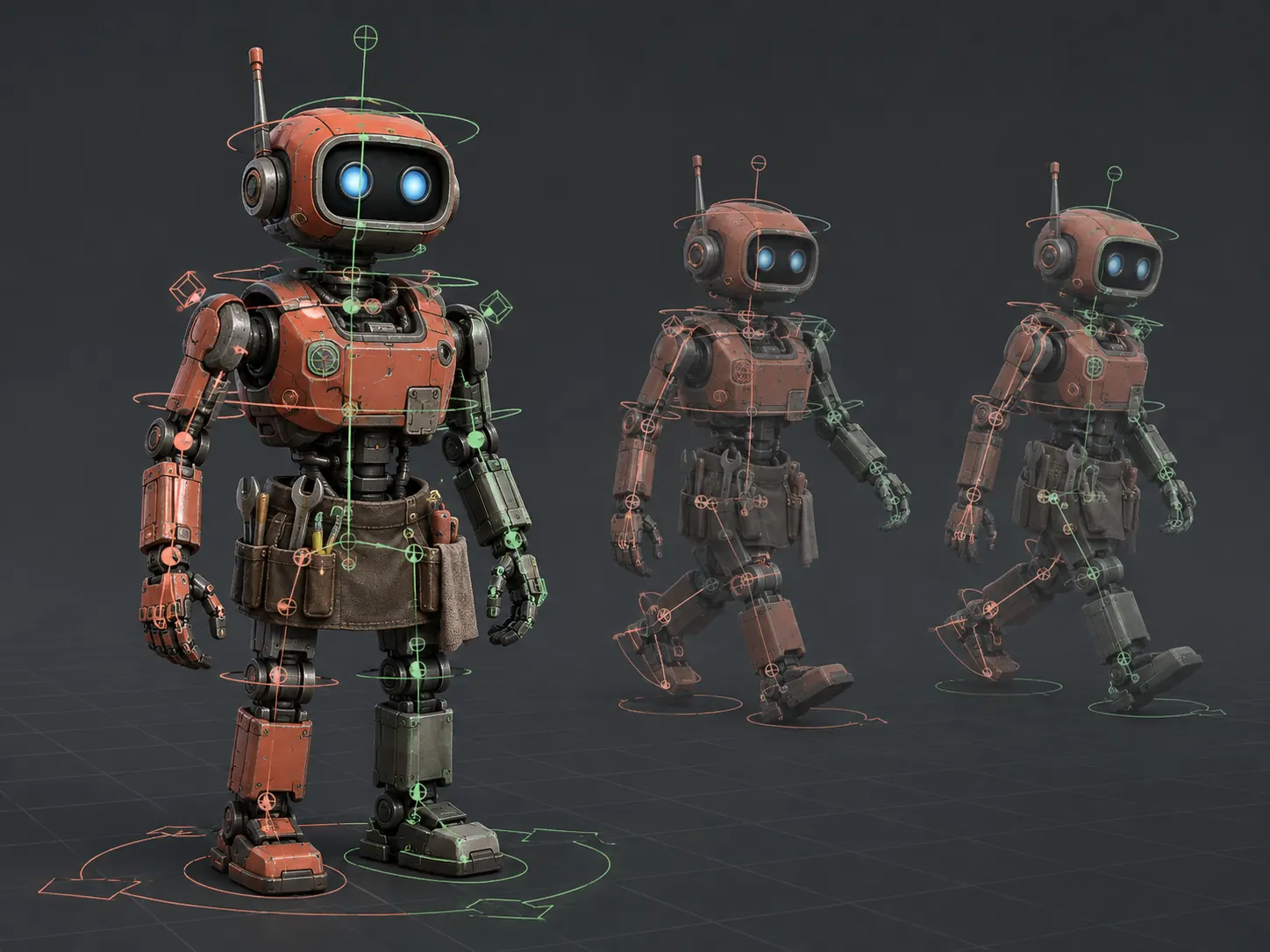
- Rig and animate
- Split and print
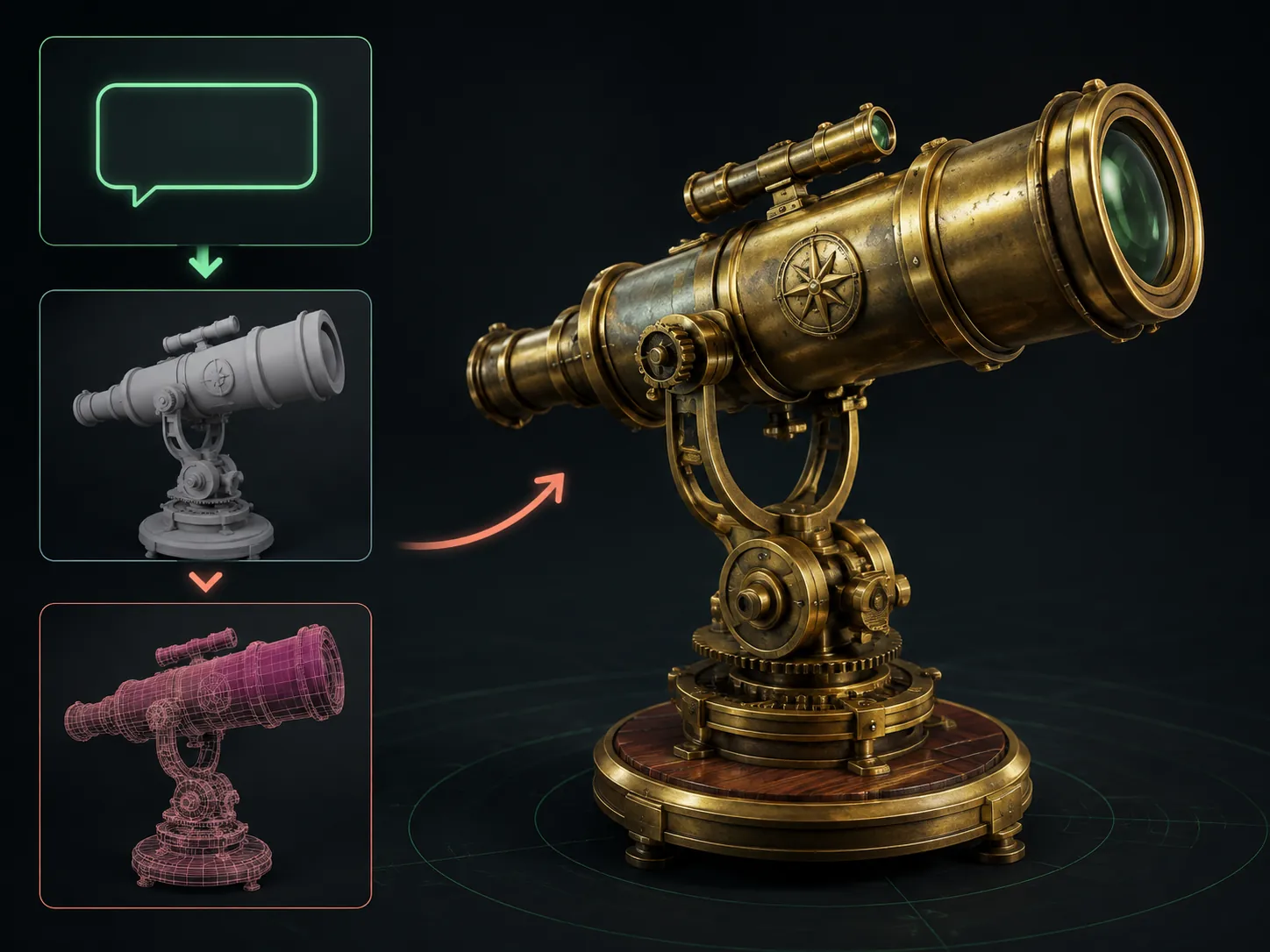
A model you can inspect
One AI 3D Model Generator, Three Practical Directions
Create a game prop, a character, or a printable collectible with a clear silhouette and materials you can evaluate before the model moves into another tool.
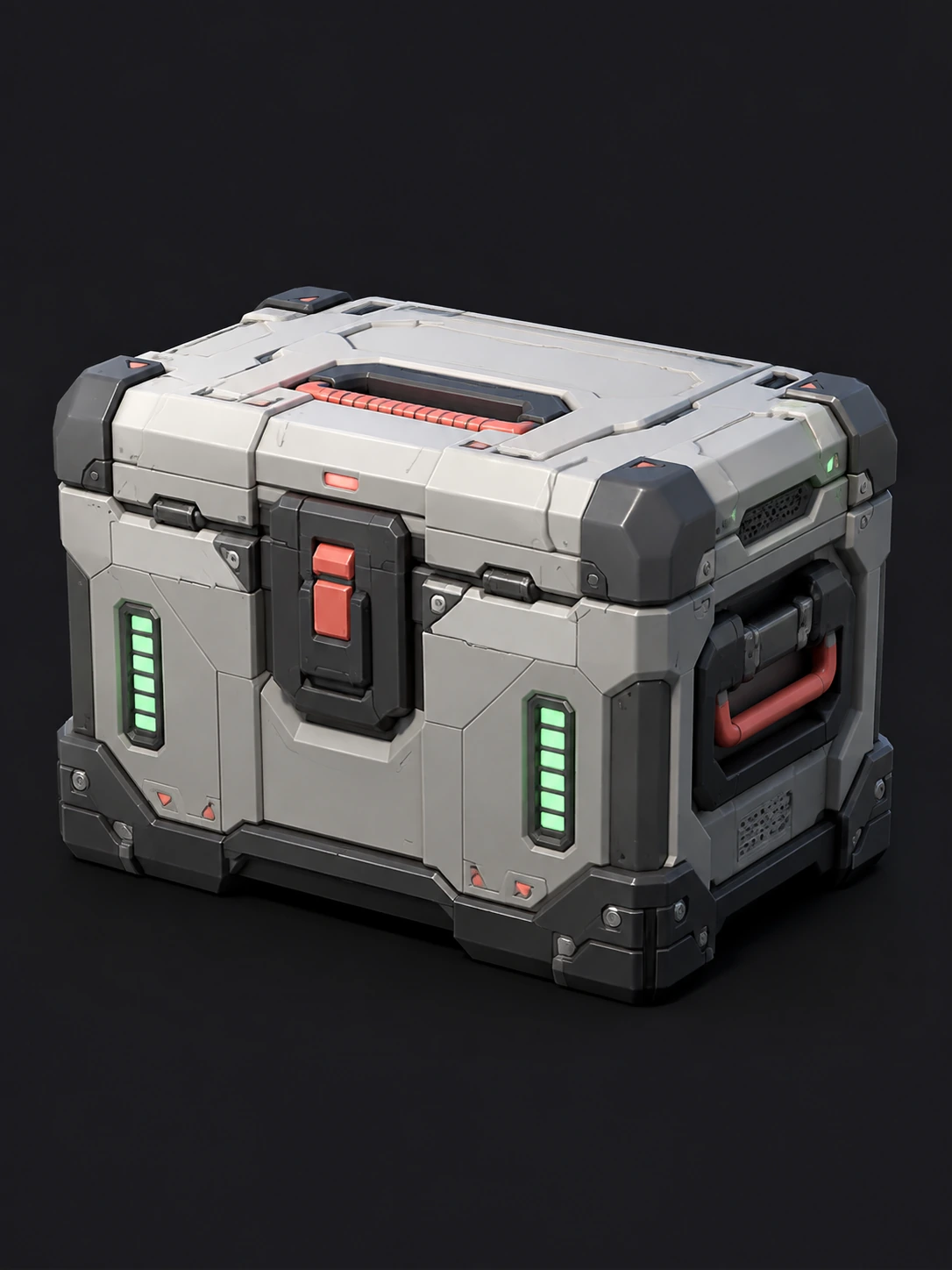
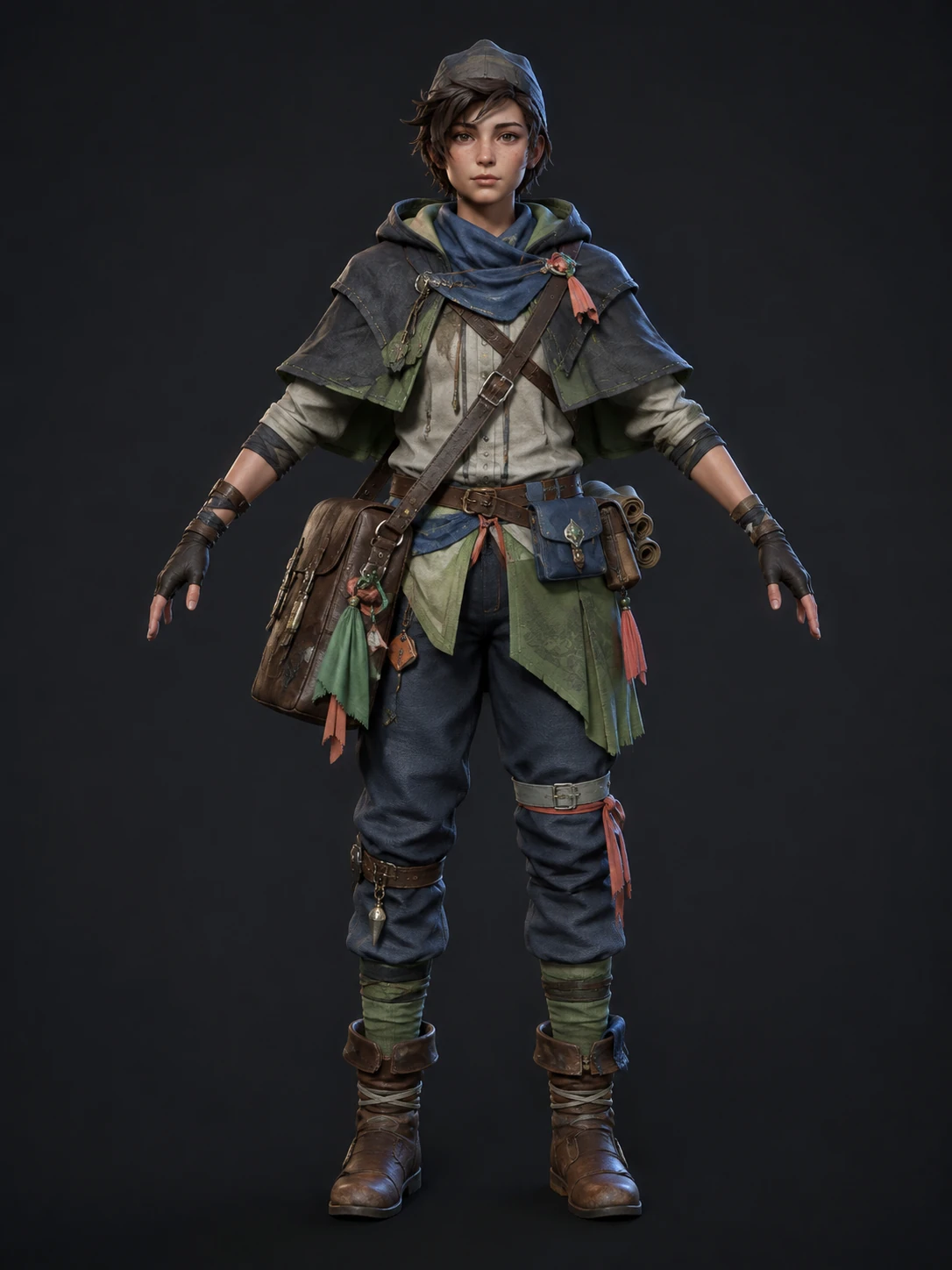
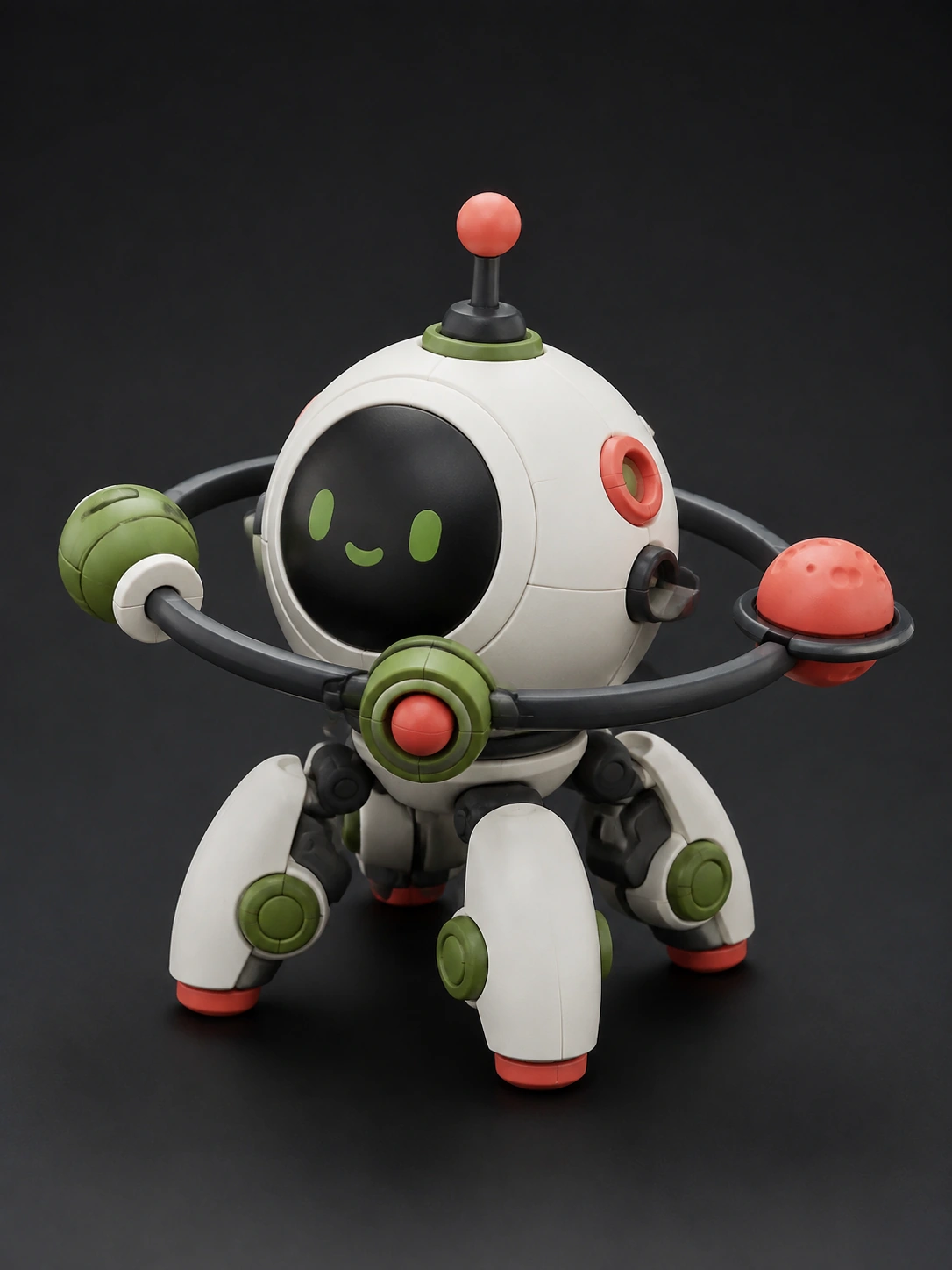
Follow the AI 3D generator from the first idea to a model prepared for your next tool.
Build a Usable 3D Asset Through One Connected Workflow
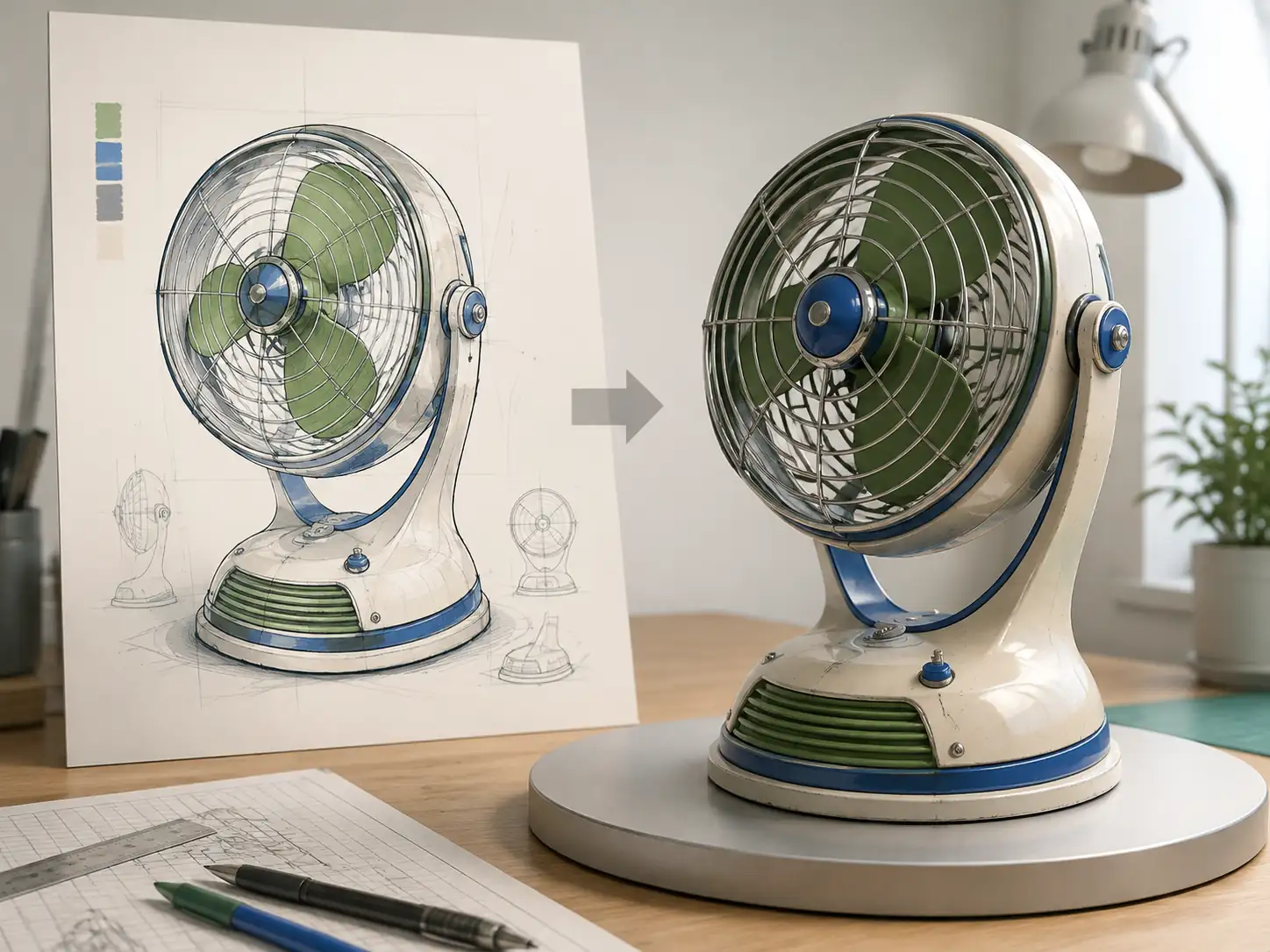
Text to image
Create the reference image you do not have yet
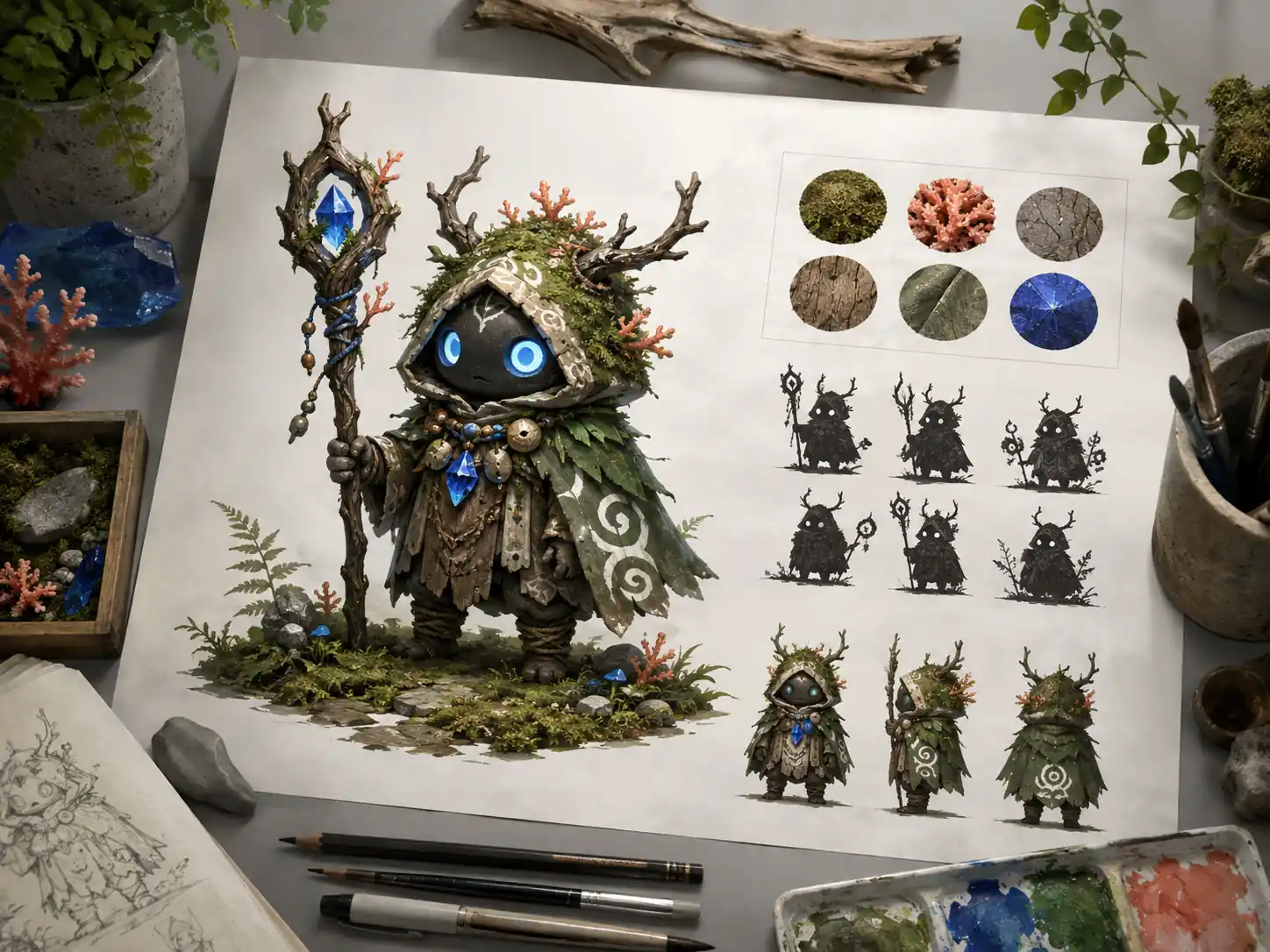
When an idea exists only in your head, describe one subject and explore its silhouette, materials, and visual style before committing to a 3D direction.
- Generate a visual brief from a prompt
- Compare distinct design directions
- Carry the chosen image into image-to-3D
Prepare 3D Models for Printing, Assembly, and Color
Keep printing decisions connected to the model instead of leaving every repair, split, and export for the final minute.
Make the model easier to manufacture
Plan how the object sits on the build plate, where parts connect, and how color regions should be separated before opening your slicer.
Turn material and color choices into distinct printable shells for painting or multicolor workflows.
Use STL or 3MF for printing, or keep GLB and OBJ available for broader 3D editing.
Move from a generated model to a checked print package
Review scale, wall thickness, supports, connectors, and color separation before slicing. The result stays useful whether you print at home or hand the files to a production partner.
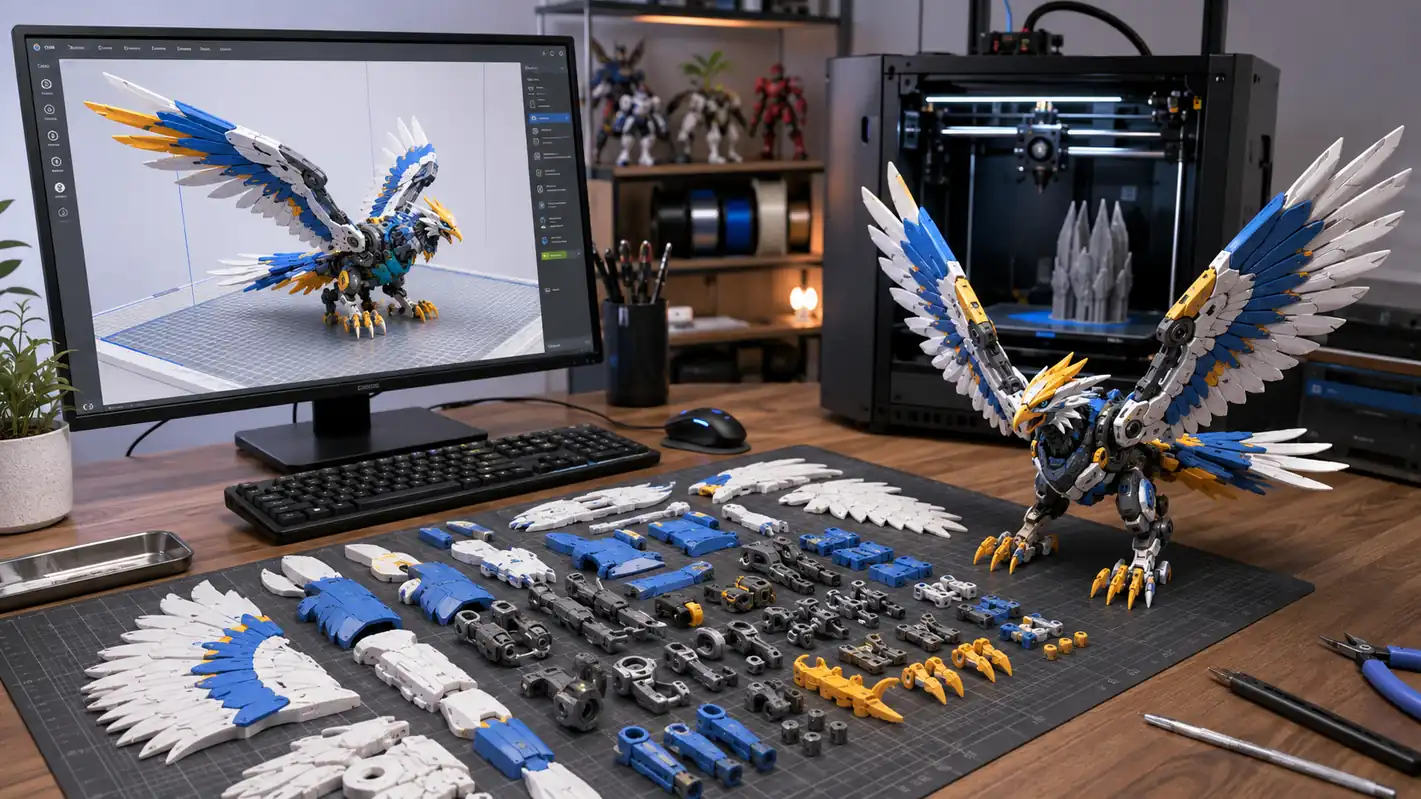
- 1Check scale and printable geometry
- 2Split parts and assign color regions
- 3Export STL or 3MF and verify in a slicer
What Can You Make with AI 3D?
Use these original briefs as starting points for props, characters, vehicles, collectibles, and compact environments.
Explore more 3D ideas Alchemist workbenchA readable low-poly game prop with wood, metal, and glass materials
 Desert cartographerA full character concept with layered clothing and a strong silhouette
 Lunar delivery roverA hard-surface vehicle ready for material and topology refinement
 Sea-dragon collectibleA stable sculpt with clear shells for multicolor printing
 Rooftop greenhouseA modular environment asset for a small stylized scene
AI 3D Workflows for People Who Ship Creative Work
Use AI 3D modeling to shorten the first pass while keeping the decisions that matter to your craft: shape, topology, materials, motion, scale, and final format.
Text + imageFlexible starting points
4 formatsGLB, OBJ, STL, 3MF
3 workflowsGames, animation, print
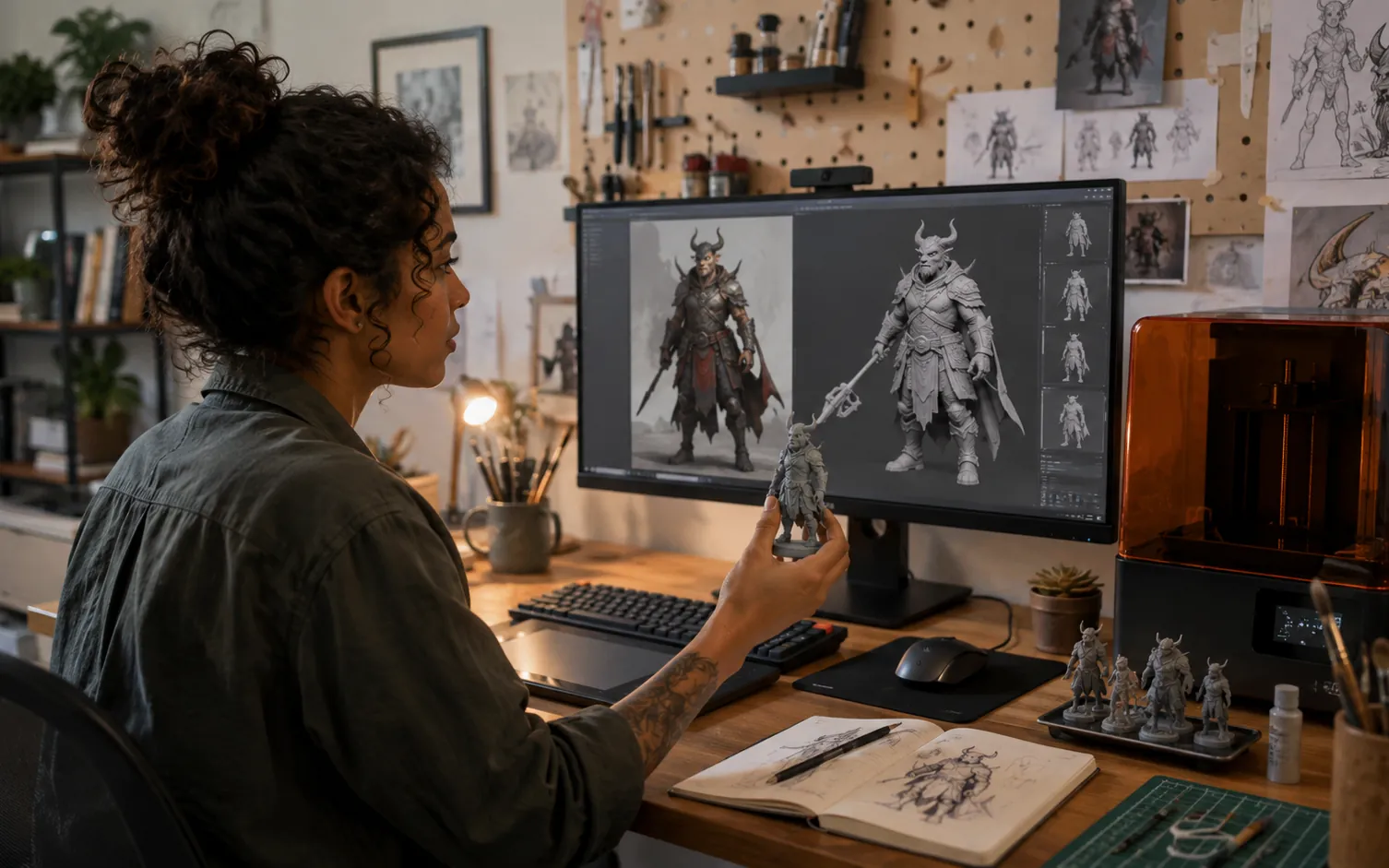
Explore a character or object, compare a physical prototype, and revise the same idea without building every first draft by hand.
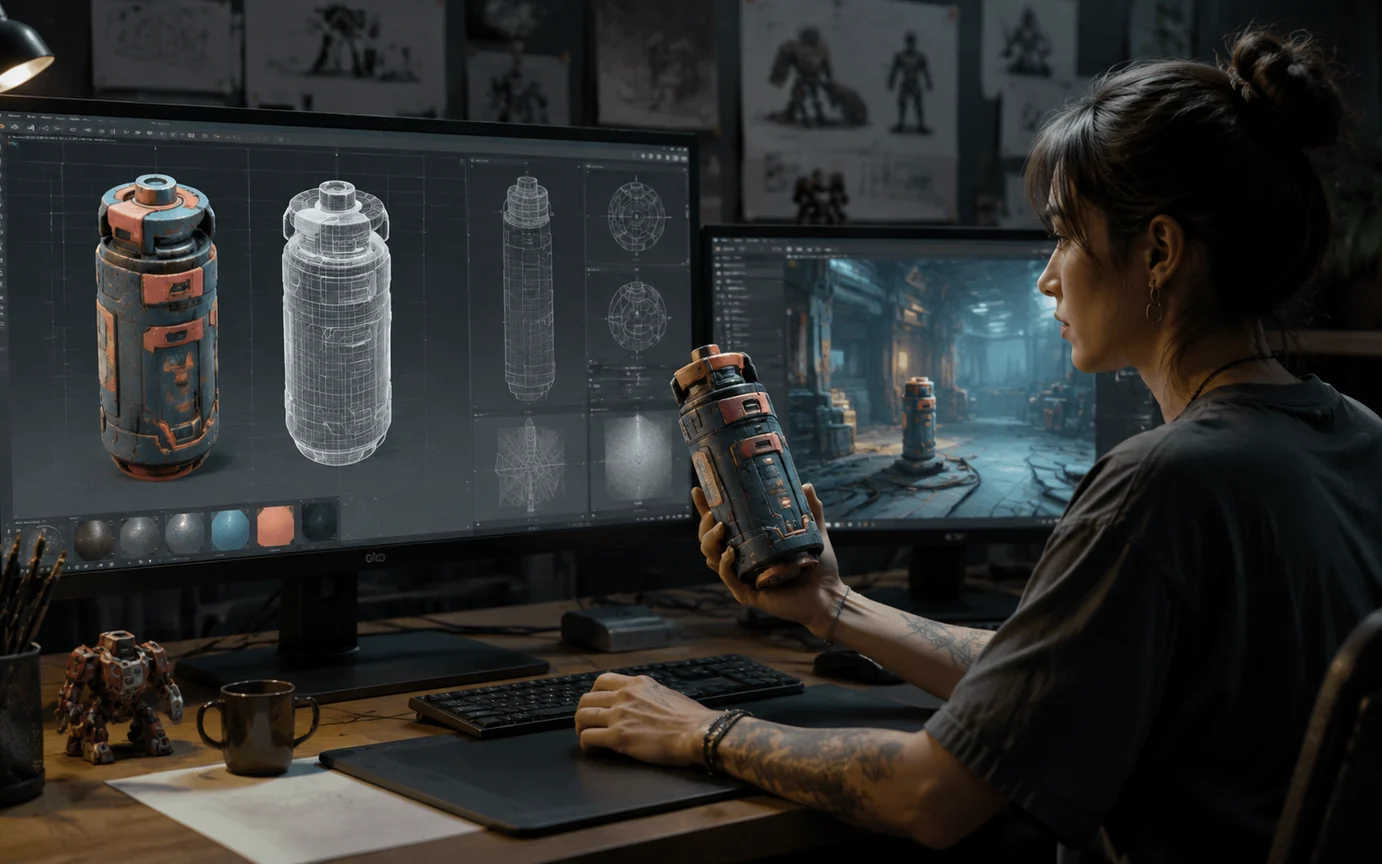
Create a first asset, tune its polygon and material direction, then check scale, topology, and PBR maps before it enters a live scene.
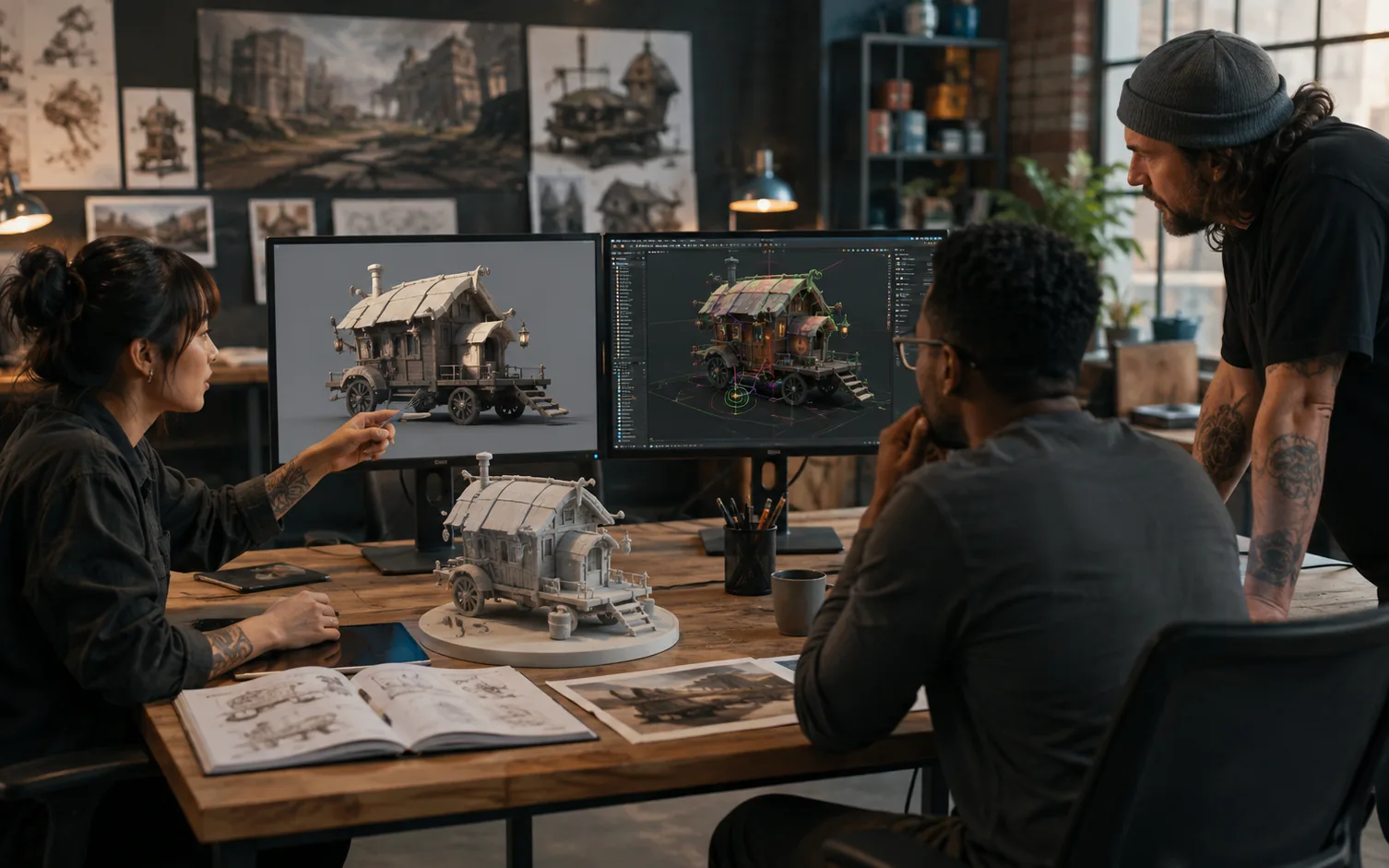
Give designers, artists, and animators one visible model to discuss earlier, then refine the chosen direction for motion, presentation, or print.
AI 3D Creation Questions, Answered
Choose the right input, output, and review steps before you start.
An AI 3D model generator turns a written description or a 2D reference image into 3D geometry and materials. 3D Maker connects that first model to preview, format, rigging, animation, and printing workflows.